




Skip to content
ByteScaffold
Shopware Migration

Shopware Migration Services

We migrate stores to Shopware 6 from Shopware 5, Magento, Shopify, and WooCommerce — catalog, customers, and order history moved with a tested rollout plan, not a weekend gamble.

Wooden shipping crates and a dusty server rack in the foreground with a modern blue-lit fulfillment floor behind them
source platforms
4
cutover
Staging-first
before import
Mapped data
discovery
Fixed-price
Typical range: 7–17 weeks end to end. Phases overlap in practice — theme build usually starts before data mapping is fully signed off.
Older shop counter dissolving into a modern storefront display, with product boxes migrating through blue light

Overview

What a Shopware migration actually involves

A Shopware migration is three separate jobs wearing one label: moving your data (products, customers, orders, and whatever historical records you need to keep), rebuilding your storefront and business logic on Shopware 6's architecture, and cutting over without breaking checkout, SEO, or anything your ERP depends on. Most quotes that go wrong treat it as one job and estimate the easy third of it.

The trigger is almost always a wall, not a preference. Shopware 5 merchants are migrating because extended support has a hard end date and every month past it is a security and compliance risk. Magento merchants are migrating because Adobe Commerce licensing has climbed and Magento 1 stores are already unsupported. Shopify merchants hit B2B pricing rules or catalog complexity the platform wasn't built for. WooCommerce stores outgrow WordPress once traffic, plugin conflicts, and page speed start fighting each other daily. Each of these is a different starting point with different data shapes and risks, which is why we treat Shopware 5 to 6, Magento to Shopware, Shopify to Shopware, and WooCommerce to Shopware as distinct engagements rather than one generic migration package.

Heavy legacy server blocks being lifted onto a clean glass platform in a dark warehouse

Underneath all four sits the same hard problem: data migration. Products with variants and custom attributes, customer accounts with order history, and years of transactional records all need to map cleanly onto Shopware's data model — and any platform's export is never quite as clean as its documentation implies. We treat this as its own specialized workstream (see Shopware Data Migration below) because data-loss risk, not theme design, is where migrations actually fail.

We de-risk this the same way regardless of source platform: a fixed-price discovery phase that audits your real data before we quote the full build, a staging environment where the new store runs in parallel with the old one, and a short, clearly communicated freeze window for the final sync instead of an open-ended "it'll be down for a while." For the real numbers behind that — cost tiers, phase-by-phase timeline, what blows up a budget — see our Shopware migration cost and timeline guide, and if Magento is your current platform, our Shopware vs Magento comparison covers the decision itself before you commit to the move.

Heavy legacy server blocks being lifted onto a clean glass platform in a dark warehouse

What actually happens during a Shopware migration

Every migration is three jobs stacked under one label: moving your data (products, customers, orders, and whatever history you're required to keep), rebuilding your storefront and business logic on Shopware 6, and cutting over without breaking checkout, SEO, or your ERP integration. Quotes that go wrong usually price only the easiest of the three.

We run a fixed-price discovery phase before quoting the full project — a real audit of your catalog, integrations, and custom code, not a guess based on a sales call. That audit is what turns "it depends" into a number and a timeline you can actually plan around, rather than a range that gets revised twice mid-build.

The build itself runs in a staging environment alongside your live store, so the new site gets tested before anyone outside the project sees it. Go-live is a short, clearly communicated freeze window for the final data sync, not an open-ended outage — and the old platform stays readable for a defined period afterward as a rollback safety net.

Boutique storefront packed into flight cases and wheeled into a larger blue-lit commerce warehouse

How we scope migration cost

Cost tracks three things far more than the platform switch itself: catalog size and structure, the number of integrations (ERP, PIM, CRM, tax, shipping), and how much custom logic your current theme or checkout carries that has no direct Shopware equivalent. A simple catalog with standard payment and shipping is a different project than one with deep B2B pricing.

Our cost and timeline guide breaks down real budget tiers and a phase-by-phase schedule in detail, so we won't repeat the tables here — the short version is that data quality and integration count move the number more than anything about Shopware as a platform. Discovery is where we find out which tier you're actually in.

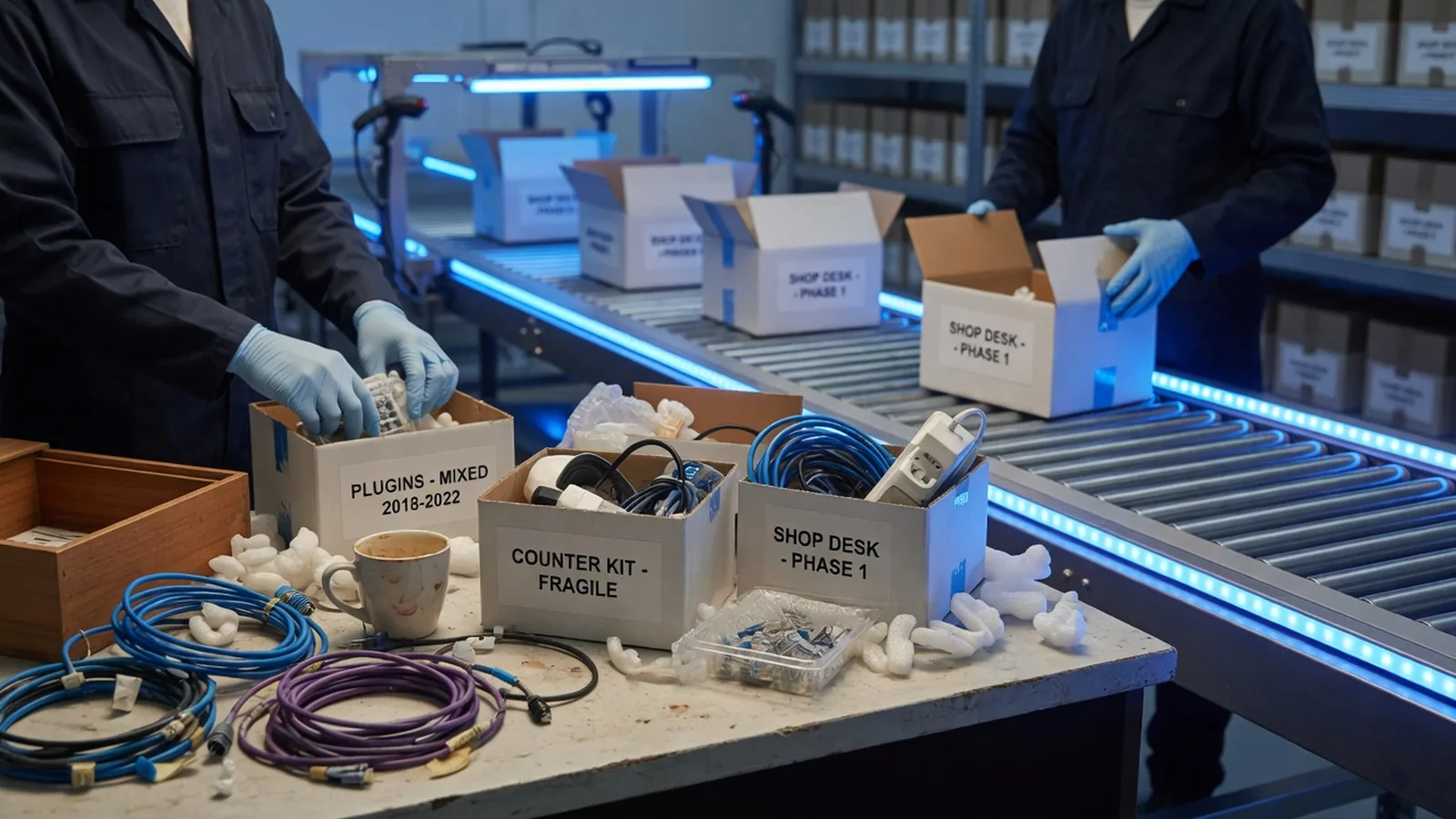
Small shop desk with tangled plugin cables being packed into archival boxes on a conveyor toward a modern warehouse

Common ways migrations go wrong

The recurring failure pattern isn't a bad platform choice — it's sequencing. Data quality issues (duplicate SKUs, orphaned records, inconsistent attributes) that nobody checked before the build starts. Integrations scoped "later" that force a data model rebuild mid-project. A theme treated as a pixel-for-pixel lift-and-shift that drags old technical debt into the new store.

The other common failure is skipping the freeze window: if the old store keeps taking orders and edits right up to launch, the final sync gets messy and support ends up reconciling drift after the fact. A short, planned freeze is cheaper than an unplanned one you discover you need at 11pm on launch night.

Glowing product cubes and order tickets streaming through a glass pipeline into a crystalline database sculpture

Which migration path fits your starting point

Shopware 5 merchants are moving because extended support has a hard end date, not because they want to. Magento merchants are usually pushed by Adobe Commerce licensing and hosting overhead. Shopify merchants hit B2B pricing or catalog complexity the platform wasn't built for, and WooCommerce stores outgrow WordPress once plugin conflicts start costing real developer time.

Each starting point has a different data shape and a different risk profile, which is why we scope Shopware 5 to 6, Magento to Shopware, Shopify to Shopware, and WooCommerce to Shopware as separate engagements below rather than one generic migration package.

Why us

Why work with us on shopware migration

Heavy legacy server blocks being lifted onto a clean glass platform in a dark warehouse

Tested rollback plan on every migration

The old platform stays readable for a defined window after launch, so there's a real way back if something's wrong post-cutover — not just a promise.

We migrate data, not just themes

Data migration is scoped and validated as its own workstream, because that's where migrations actually fail, not in the storefront design.

Fixed-price discovery before we quote

We audit your real catalog, integrations, and custom code before pricing the full project, instead of estimating from a sales call.

One team handles data, build, and cutover

The same engineers scope the data migration and handle go-live, so context doesn't get lost at a handoff between separate teams.

Staging runs your new store in parallel

The Shopware build is tested against real data before anyone outside the project sees it, not patched live after launch.

FAQ

Questions about shopware migration

Most commonly Shopware 5, Magento (1 and 2 / Adobe Commerce), Shopify and Shopify Plus, and WooCommerce. We've also handled one-off migrations from smaller or custom-built platforms — if your export format is reasonably structured (even a clean CSV/SQL dump), the source platform matters less than the quality of the data coming out of it.

Ready to talk about shopware migration?

Tell us about your project — we'll reply within one business day with next steps.