
Skip to content
ByteScaffold
Shopware Migration

WooCommerce to Shopware Migration

Migrate from WooCommerce to Shopware 6 when WordPress's plugin stack, page speed, or scaling ceiling starts costing more in developer time than a platform switch would.

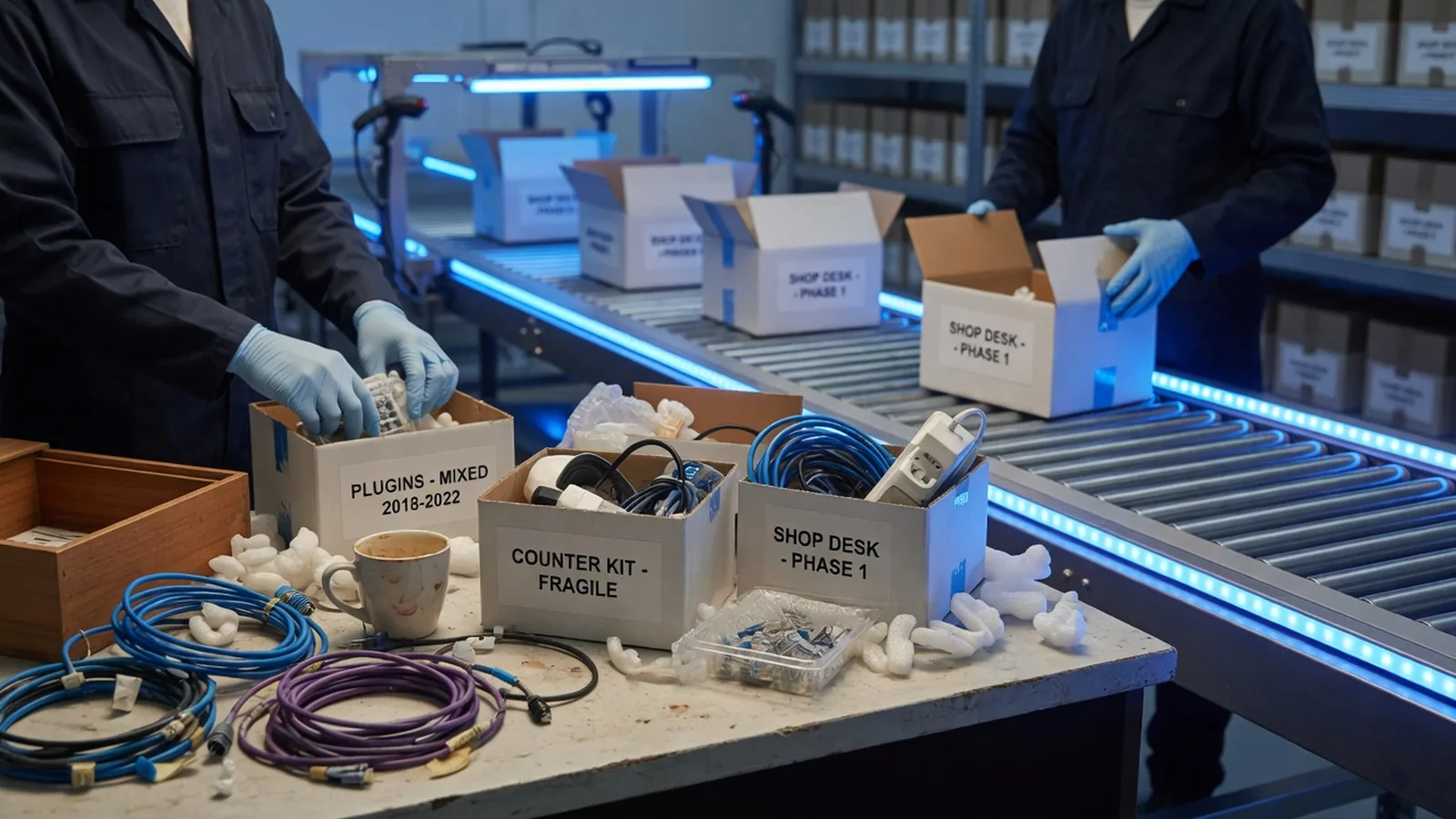
Small shop desk with tangled plugin cables being packed into archival boxes on a conveyor toward a modern warehouse
Older shop counter dissolving into a modern storefront display, with product boxes migrating through blue light

Why WordPress stops scaling for commerce

WooCommerce runs on top of a general-purpose CMS, which is exactly the problem once a store gets serious traffic. Page speed degrades as plugin stacks compound over years, and updates get riskier — a WooCommerce, WordPress core, or plugin update breaking something else becomes a recurring cost rather than a rare incident.

Catalog size and traffic both make this worse over time, not better. Stores that started small on WooCommerce because it was cheap and fast to launch often find themselves paying more in ongoing developer time firefighting plugin conflicts than a platform switch would have cost upfront.


Heavy legacy server blocks being lifted onto a clean glass platform in a dark warehouse

Why the data extraction is the hard part

WooCommerce's own export tools rarely capture everything cleanly at scale, so we typically pull product, order, and customer data directly from the WordPress database via WP-CLI. That data has usually picked up years of inconsistencies from page builders and SEO plugins storing information in custom fields WooCommerce's tables don't reflect.

We budget real discovery time for this specifically, deduplicating and normalizing before anything maps onto Shopware's structure — treating a WooCommerce export as clean by default is the single most common way this particular migration goes over budget.

What's included

Full WooCommerce product, order, and customer export via WP-CLI or direct database access
Untangling data from years of accumulated plugins (SEO, page builders, custom fields) before mapping to Shopware
Rebuild without the plugin conflicts and update fragility that accumulate on a long-running WordPress install
Performance-first storefront build — most WooCommerce migrations are partly motivated by page speed
URL structure and redirect mapping to hold onto existing search rankings
Payment and shipping integration re-pointed to Shopware-native equivalents
How we work

How a woocommerce to shopware project runs

01

Data extraction

Export product, order, and customer data directly from the WordPress database, since WooCommerce's export tools alone rarely capture everything cleanly at scale.

02

Clean & map

Deduplicate and normalize data that's picked up inconsistencies from years of plugins before mapping it onto Shopware's structure.

03

Build

New storefront built on Shopware 6, deliberately not replicating whatever plugin sprawl caused the original performance problems.

04

Migrate & launch

Final sync during a short freeze window, redirects live, and a monitored post-launch period to confirm speed and stability gains.

Why us

Why work with us on woocommerce to shopware

Older shop counter dissolving into a modern storefront display, with product boxes migrating through blue light

We pull data straight from the database

WP-CLI and direct database access capture what WooCommerce's own export tools typically miss at scale — custom fields included.

Performance-first rebuild, not a lift-and-shift

The new storefront is built to fix the page-speed problem that usually motivated the move, not to replicate the plugin stack that caused it.

Your WordPress content doesn't have to disappear

Blogs and non-commerce pages can stay on WordPress as a headless CMS if you want to keep publishing there after Shopware takes over checkout.

Extra discovery time budgeted upfront

We plan for messier-than-average data from the start, instead of discovering it mid-migration and blowing the timeline.

FAQ

Questions about woocommerce to shopware

Usually a combination of page speed (plugin stacks compound over years) and update fragility — a WooCommerce, WordPress core, or plugin update breaking something else becomes a recurring cost. Catalog size and traffic both make this worse over time.

Ready to start your woocommerce to shopware project?

Tell us about your goals — we'll reply within one business day with next steps.