

Skip to content
Shopware AgencyByteScaffoldShopware Agency
Shopware Migration

Shopware 5 to 6 Migration

Migrate from Shopware 5 to Shopware 6's rebuilt architecture, with a new admin, a new plugin system, and a new theming engine. Shopware 5 has had no official security updates since July 2024.

Older shop counter dissolving into a modern storefront display, with product boxes migrating through blue light
Heavy legacy server blocks being lifted onto a clean glass platform in a dark warehouse

Why Shopware 5's end of life is a hard deadline

Shopware 6 wasn't an incremental update to Shopware 5 — it's a ground-up rewrite on Symfony, with a new admin, a new plugin architecture, and a new Storefront templating layer replacing the old Smarty/Bootstrap setup. That's why "upgrading" isn't really the right word; it's closer to a full rebuild that happens to keep your data.

Shopware's update guide for Shopware 5.7 gives July 2024 as the end of security releases. Since then you have been running customer payment and personal data on a platform with no official security fixes.

PHP adds a second clock: Shopware 5.7 officially runs on PHP 7.4 up to 8.2, and newer versions are not released for it. According to php.net, security support for PHP 8.2 ends on 31 December 2026. From then on, none of the PHP versions Shopware 5 officially runs on will receive security updates. Migrating before that date avoids a platform that can be secured neither at the application level nor at the server level.

Boutique storefront packed into flight cases and wheeled into a larger blue-lit commerce warehouse

What breaks first: plugins, not data

Data transfer is usually the smaller problem. The bigger one is Shopware 5's plugin ecosystem — nothing installs as-is on Shopware 6's Symfony-based plugin system, so every installed plugin needs a Store-equivalent check or a full rebuild. Custom code hand-rolled into Shopware 5's core has to be rebuilt as a proper plugin rather than patched again.

Theme work follows the same pattern: the old Smarty templates don't carry over, so recreating your storefront look means rebuilding it on Shopware 6's Storefront rather than porting files. Stores running mostly stock plugins and a light theme move noticeably faster than heavily customized ones.

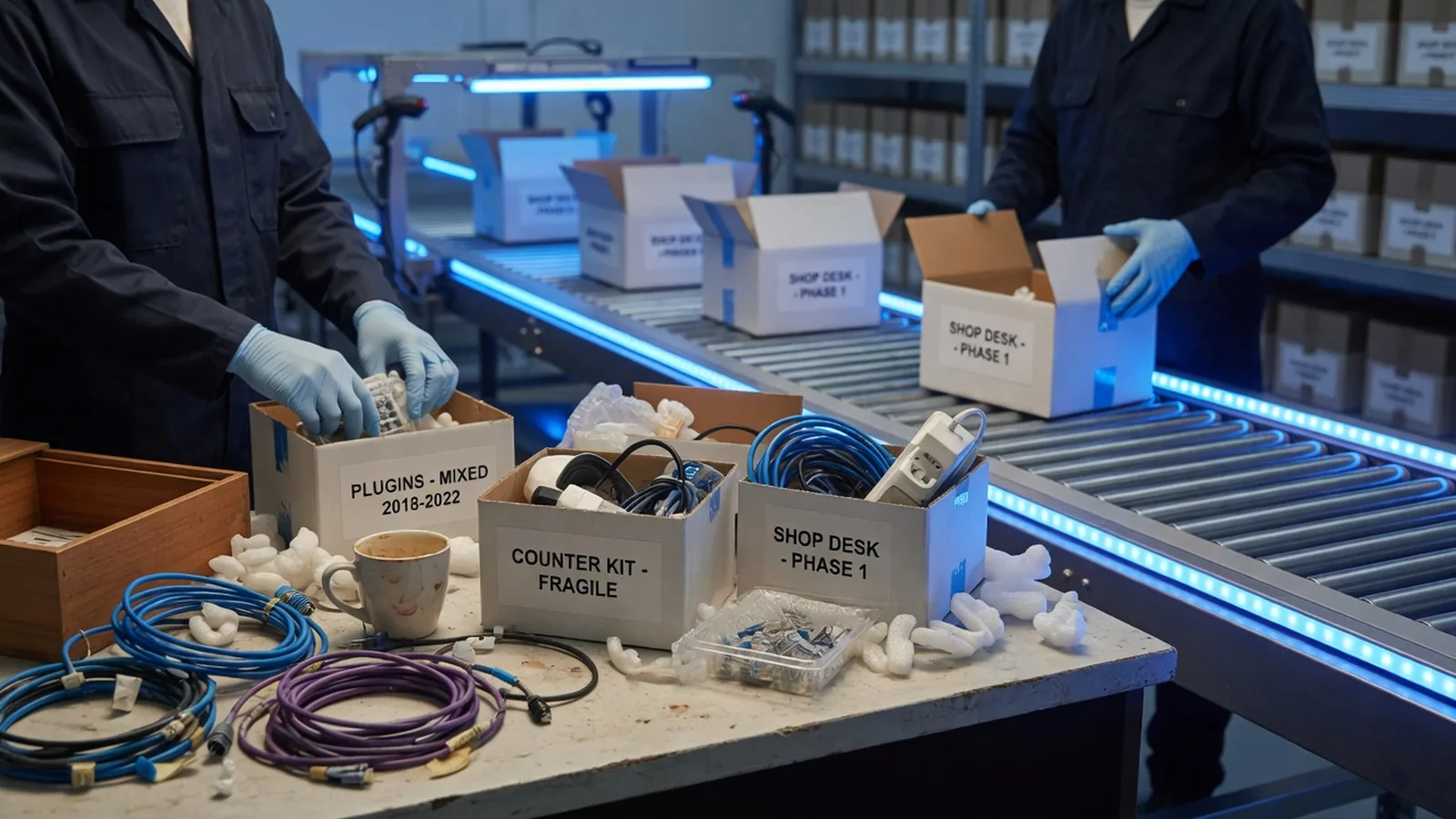
Small shop desk with tangled plugin cables being packed into archival boxes on a conveyor toward a modern warehouse

Cost and timeline: what drives a migration

The price is driven mainly by the number of plugins without an equivalent in the Shopware 6 Store, the amount of custom code in Shopware 5's core, a customized theme, connected systems such as ERP or PIM, and the data volume of products, customers, and order history. A single general number would be misleading, so we assess your store in a discovery phase and quote a fixed scope only afterwards.

As a rule of thumb, a store with a moderate number of plugins and a custom theme takes 8 to 14 weeks. Plugin rebuilds and theme work usually take longer than the data transfer. If you want to be live before the end of 2026, start the assessment now. Our guide to migration cost and timeline covers the basics.

Glowing product cubes and order tickets streaming through a glass pipeline into a crystalline database sculpture

Moving without losing SEO: the redirect plan

A migration only costs rankings when old URLs lead nowhere. Before the move we export every indexed URL of the old store, map each one to its new address, and set up 301 redirects for them. Where Shopware 6 allows the same URL structure, we keep it, so no redirect is needed at all.

Before cutover we test the redirect table on staging, carry over titles, descriptions, and canonical tags, and prepare the new sitemap. After go-live we watch crawl errors and indexing in Search Console and fix missing redirects immediately.

What's included

Full product, customer, and order data transfer to Shopware 6's data model
Plugin-by-plugin audit: which Shopware 5 plugins have a direct Shopware 6 equivalent vs. need a rebuild
Theme rebuild on Shopware 6's Storefront (the old Smarty/Bootstrap templates don't carry over)
Custom code audit — anything hand-rolled in Shopware 5's core gets rebuilt as a proper plugin, not patched again
SEO preservation: URL structure, redirects, and metadata carried through
Staged rollout with a defined freeze window instead of a full-site outage
How we work

How a shopware 5 to 6 project runs

01

Audit

Inventory every installed plugin, theme customization, and piece of custom code running on Shopware 5, and flag what has no Shopware 6 equivalent.

02

Rebuild plan

Decide, plugin by plugin, what migrates as-is, what needs a Shopware 6 rebuild, and what gets retired because it's no longer needed.

03

Migrate & build

Transfer catalog, customer, and order data while rebuilding the storefront and plugins on Shopware 6's architecture in parallel.

04

Cut over

Final data sync during a short freeze window, DNS switch, and a defined rollback period with the old install kept read-only.

Why us

Why work with us on shopware 5 to 6

Heavy legacy server blocks being lifted onto a clean glass platform in a dark warehouse

We've rebuilt Shopware 5 plugins before

Plugin-by-plugin audits are routine work for us, not a discovery-phase surprise — we know which categories usually need a full rebuild.

Theme rebuilt for Shopware 6, not copied

We design for the Storefront's actual templating system instead of forcing a pixel-for-pixel port that drags old technical debt along.

Custom core code gets audited first

Anything hand-rolled into Shopware 5's core is flagged during discovery, so it's rebuilt as a plugin once, not patched repeatedly.

SEO carried through the rebuild

URL structure, redirects, and metadata are mapped before cutover, so a platform rebuild doesn't cost you existing search rankings.

FAQ

Questions about shopware 5 to 6

Yes. Shopware's update guide for Shopware 5.7 gives July 2024 as the end of security releases. Since then there are no official security fixes, although some third parties sell paid long-term support. That extends how long you can run the store, but it does not replace a migration.

Ready to start your shopware 5 to 6 project?

Tell us about your goals — we'll reply within one business day with next steps.