

Skip to content
ByteScaffold
Shopware Development

Shopware Plugin Development

Custom Shopware 6 plugins for logic the Store doesn't cover — built against the plugin system's public APIs so they keep working after platform updates.

Hand placing a glowing blue acrylic module onto a circuit board, illustrating a plugin architecture
Plugins hook into Shopware's dependency-injection container — no core files are touched, so updates to Shopware itself don't wipe out custom work.
Laptop and studio monitor showing a premium fashion ecommerce storefront on a marble desk

What Shopware's plugin system actually gives you

Shopware 6 plugins hook into the platform through event subscribers, service decoration, and dependency injection rather than editing core files directly. That architecture is what lets custom logic survive a Shopware core update instead of getting overwritten on the next release.

A plugin can touch the storefront, the admin, or both — a pricing rule that only needs backend logic, or a full admin module with its own configuration screen and API endpoints. We scope which parts you actually need rather than building both by default.
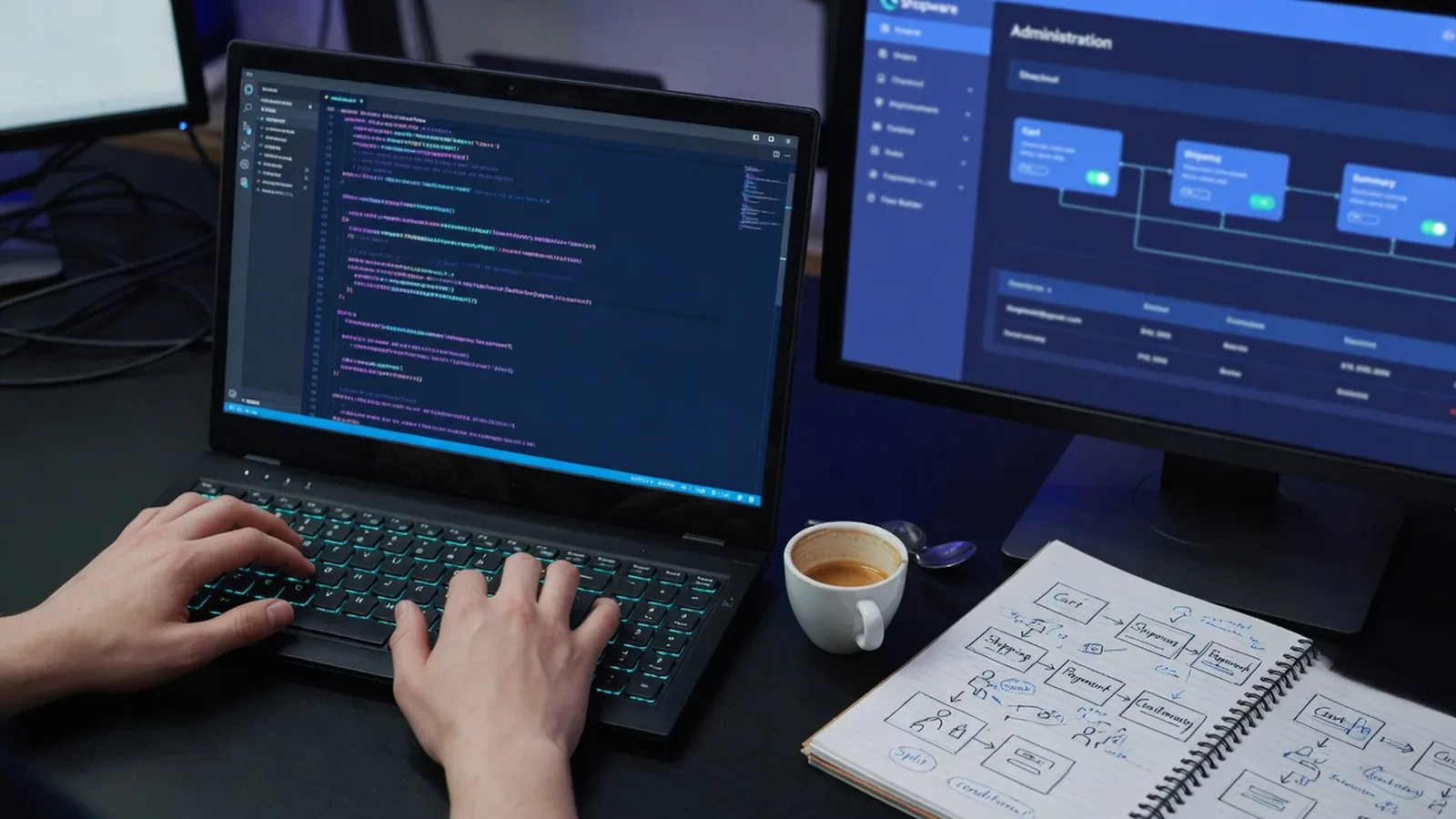

Developer writing custom store logic on a dark IDE with checkout-flow sketches on a notebook beside the keyboard

When a plugin is the right tool, and when it isn't

Plugins are the right call for logic specific to your store — custom pricing, checkout validation, a data sync job. They're the wrong call for something a Store extension already does, or something so store-specific it should live as custom development instead.

We check the Store's existing plugin ecosystem before writing anything from scratch. A well-reviewed existing plugin is often faster and cheaper than a custom build, and we'll say so even when it costs us the build.

What's included

Custom plugins built on Shopware's plugin architecture
Storefront and admin (backend) plugin components
Plugin upgrades and migrations across major Shopware versions
Code review and takeover of plugins built by other teams
Store submission support for plugins you want to publish
Event subscriber and service decoration patterns over core overrides
How we work

How a shopware plugin development project runs

01

Discover

Confirm the plugin system genuinely covers this — versus custom development or a Store extension already doing it.

02

Build

Plugin scaffolded and built against Shopware's public hooks, subscribers, and service decoration.

03

Integrate & test

Tested against a clean Shopware install and your actual store to catch conflicts with other plugins.

04

Launch

Deployed with version compatibility documented so future upgrades don't surprise anyone.

Why us

Why work with us on shopware plugin development

Laptop and studio monitor showing a premium fashion ecommerce storefront on a marble desk

Built on public hooks, not overrides

Event subscribers and service decoration instead of core file edits, so plugins keep working through Shopware version upgrades.

Store submission experience

If you want to publish and sell a plugin, we build it to Shopware's Store review standards from day one, not retrofitted after rejection.

Takeover audits before touching code

Inheriting a plugin from another developer gets reviewed first — we tell you what's solid and what has core overrides or bad practices baked in.

Version compatibility documented

Every plugin ships with documented compatibility so future upgrades don't turn into a guessing game about what still works.

FAQ

Questions about shopware plugin development

The guide walks through how Shopware's plugin architecture works technically — services, subscribers, the extension system. This page is the shorter version: what we build for you, not a tutorial on how it works under the hood. Read the guide if you want the technical detail.

Ready to start your shopware plugin development project?

Tell us about your goals — we'll reply within one business day with next steps.