
Skip to content
ByteScaffold
Shopware Development

Shopware 6 Development

End-to-end Shopware 6 development — new storefronts, sales channel setup, and production launches — for merchants moving off another platform or starting fresh.

Laptop and studio monitor showing a premium fashion ecommerce storefront on a marble desk
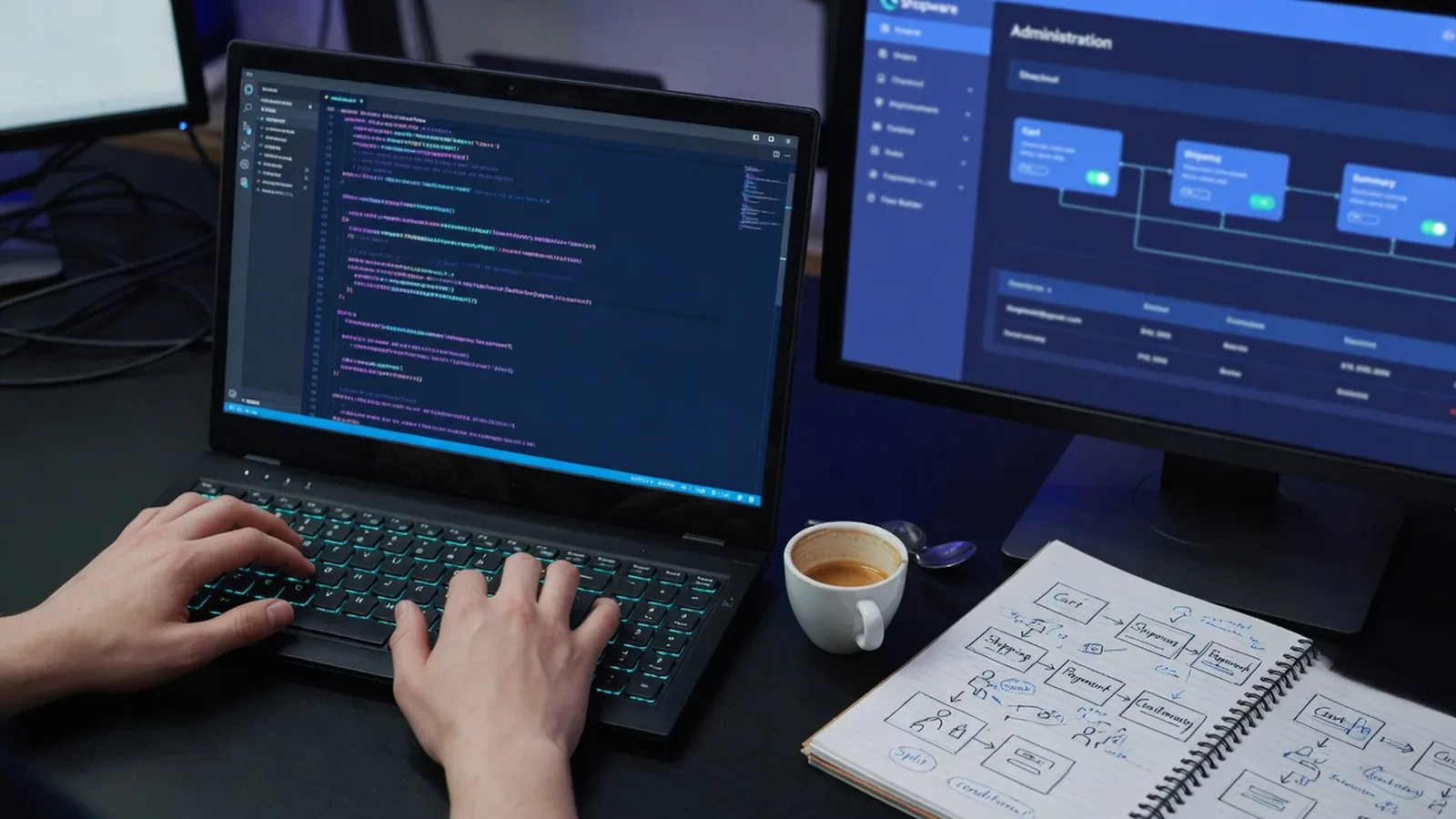
Developer writing custom store logic on a dark IDE with checkout-flow sketches on a notebook beside the keyboard

What a full Shopware 6 build actually includes

A Shopware 6 build starts with the install and store architecture decisions that are expensive to change later — single shop or multi-shop, which sales channels, how categories map to your actual catalog. Getting this structure right upfront avoids a rebuild six months in.

From there it's configuration work: payment and shipping methods, tax rules, customer groups, and B2B Suite setup if tiered pricing applies. Most of this runs through Shopware's admin directly, which is faster and more maintainable than custom code for anything the admin already covers.
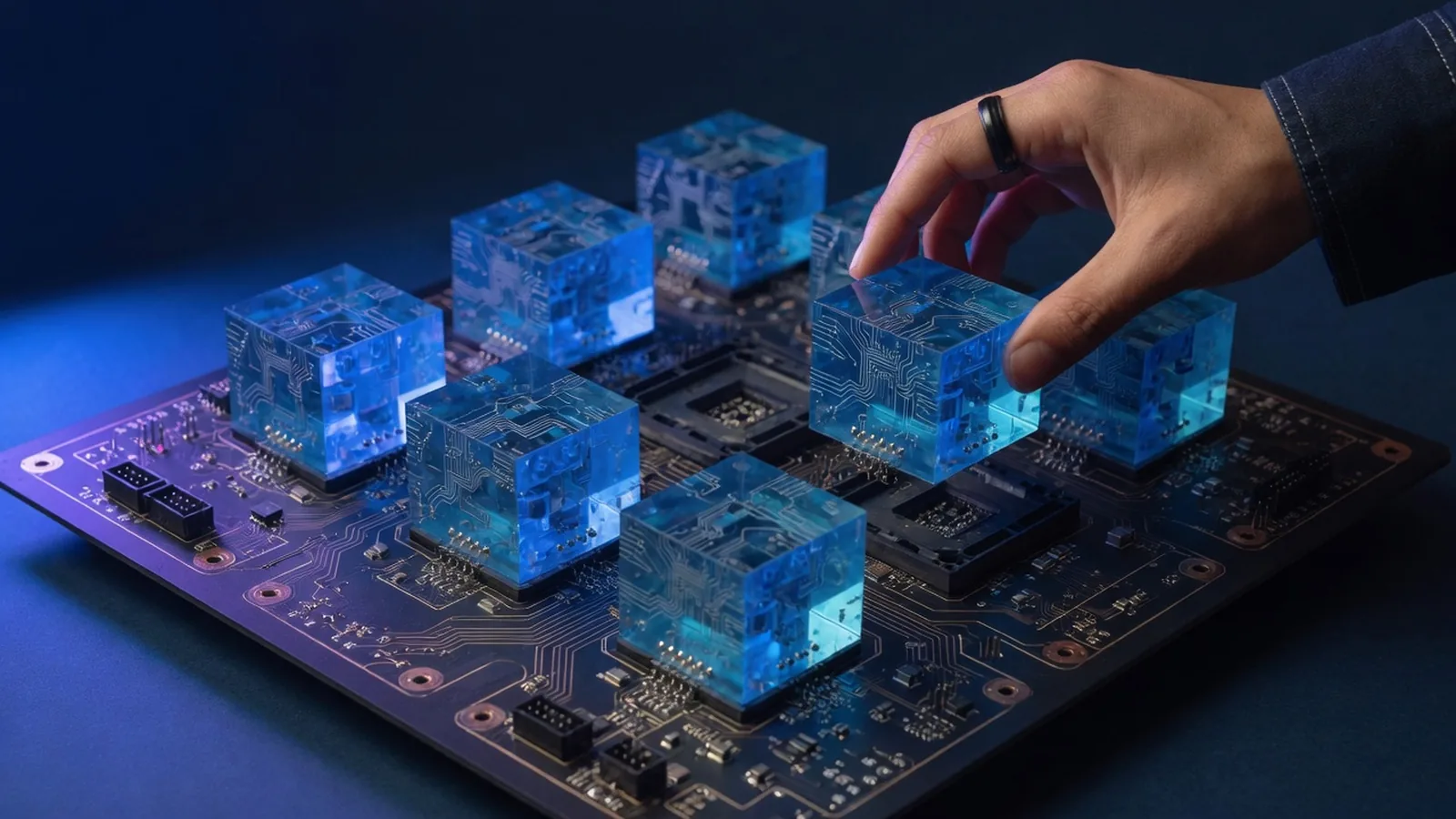

Hand placing a glowing blue acrylic module onto a circuit board, illustrating a plugin architecture

Where a standard build turns into a bigger project

Catalog complexity is the usual trigger — product variants with unusual attribute combinations, multi-warehouse stock, or pricing that varies by customer group beyond what the rule builder expresses cleanly. That's when configuration alone stops being enough.

Migration from another platform is the other common driver. Moving catalog, customer, and order history from Magento, Shopify, or WooCommerce adds real scope beyond a fresh install, and it's where most timeline surprises come from if it isn't scoped honestly upfront.

What's included

Fresh Shopware 6 installs and store architecture
Sales channel, payment, and shipping configuration
Catalog and category structure built for your product data
B2B Suite setup for tiered pricing and customer groups
Multi-shop / multi-language configuration
Production deployment and go-live support
How we work

How a shopware 6 development project runs

01

Discover

Catalog size, business rules, and platform history — what's moving over and what's changing.

02

Build

Store configured and built out: sales channels, catalog structure, checkout and shipping rules.

03

Integrate & test

Payment, tax, and any required third-party services wired up and tested against real orders.

04

Launch

Go-live with DNS/hosting cutover handled and a rollback plan in place if something needs reverting.

Why us

Why work with us on shopware 6 development

Developer writing custom store logic on a dark IDE with checkout-flow sketches on a notebook beside the keyboard

Real go-live experience

We've taken stores from empty install through DNS cutover with a rollback plan in place, not just built theme files and handed off before launch.

Migration mapping done explicitly

Catalog and order data from your old platform gets mapped field by field, not blind-imported, since that's where most migrations quietly lose information.

B2B Suite configured properly

Tiered pricing and customer groups get set up to match your actual contract structure, not a generic three-tier demo.

No unnecessary custom code

If Shopware's standard configuration covers your requirement, that's what we ship — custom plugins come in only where configuration genuinely can't do the job.

FAQ

Questions about shopware 6 development

A lot of Shopware's admin is genuinely usable by a non-developer — sales channels, basic catalog, standard payment methods. We get called in once you need custom checkout rules, non-standard data structures, or a theme that isn't a stock template.

Ready to start your shopware 6 development project?

Tell us about your goals — we'll reply within one business day with next steps.