
Skip to content
ByteScaffold
Shopware Services

Shopware Upgrade Services

Planned upgrades across minor and major Shopware releases, with plugin compatibility testing and a rollback plan, so version drift never turns into a forced emergency migration.

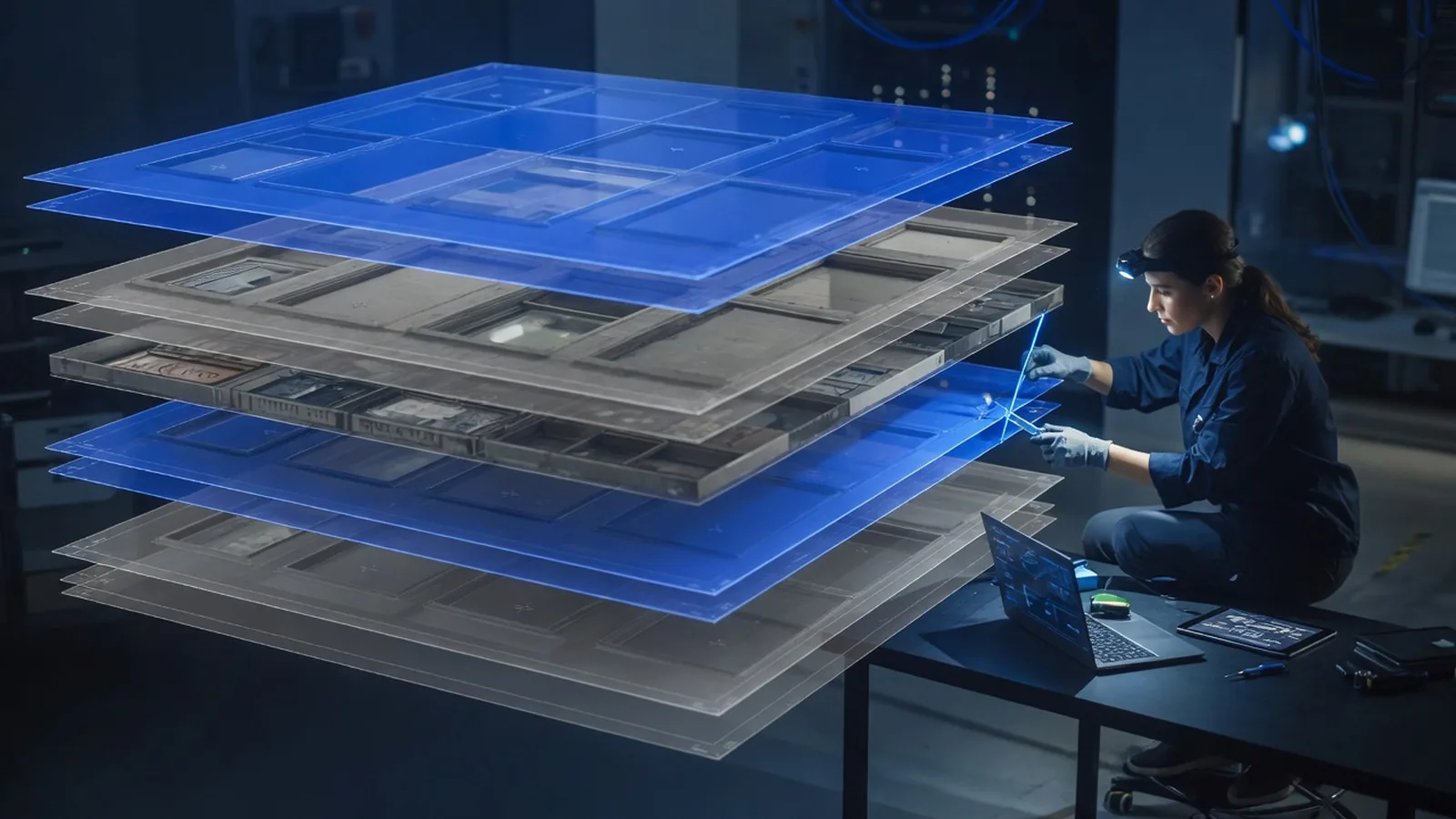
Engineer aligning a bright new storefront layer on top of stacked translucent version strata
Technician replacing a glowing module in a server cage while a storefront kiosk stays lit in the background

Why version drift turns into an emergency

Skipping a minor release rarely causes visible harm on its own — the store still runs fine. The problem compounds: three skipped minors becomes a major version gap, plugin vendors drop support for your version, and eventually a security patch simply isn't available for the version you're stuck on.

That's usually the moment an upgrade stops being routine maintenance and becomes an urgent, higher-risk project done under pressure. Staying closer to current, even a version or two behind, keeps each individual upgrade smaller and lower-risk than catching up all at once later.
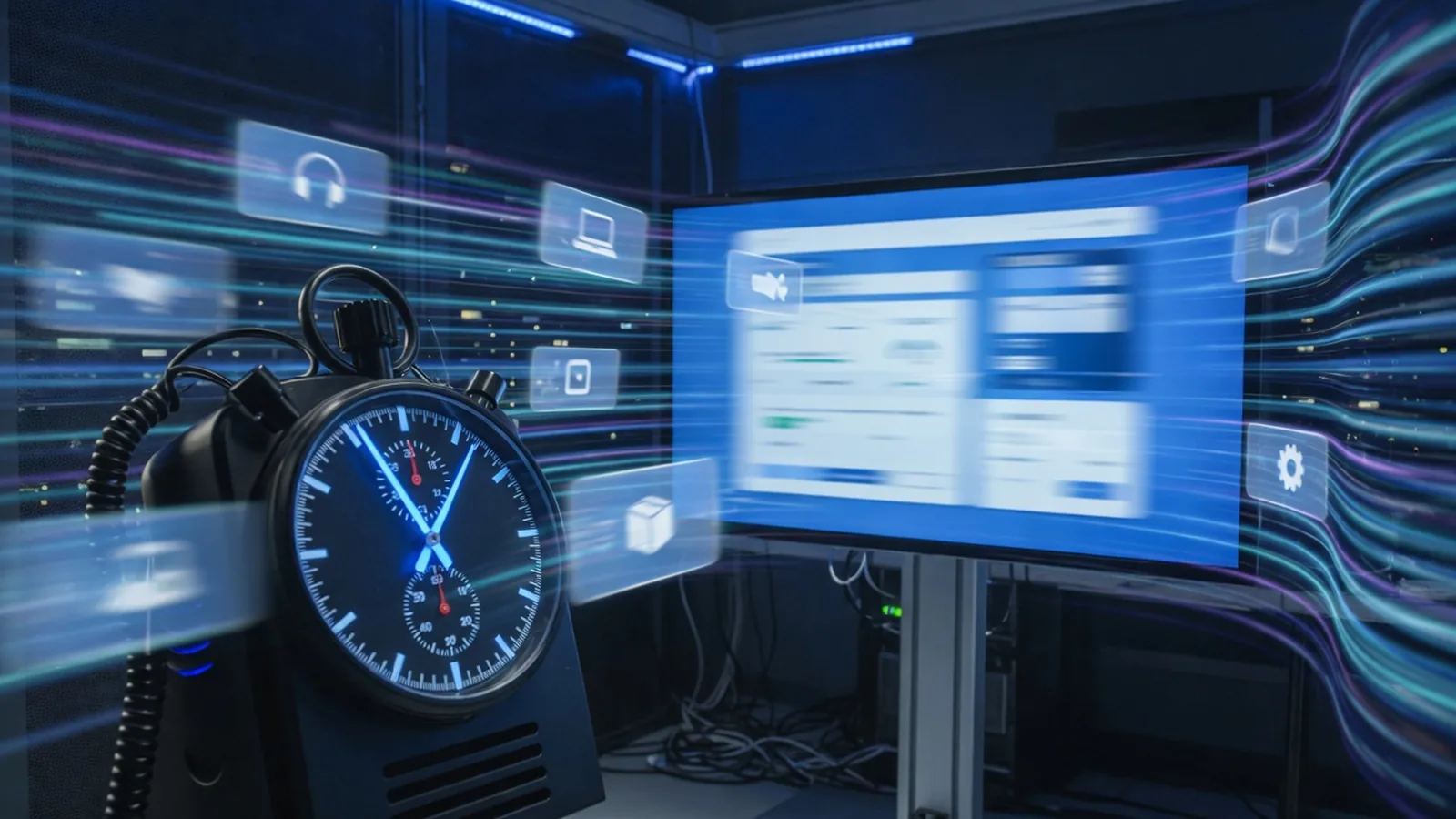

Performance lab with a stopwatch instrument and a checkout page on a monitor surrounded by motion-blurred product cards

How we test compatibility before going live

Every installed plugin gets checked against the target version in a staging environment before anything touches production — not just core functionality, but custom code, theme overrides, and third-party integrations that don't show up in a changelog.

Checkout, search, and any store-specific customizations get tested end to end as part of that staging pass. If something breaks, we patch it, find a compatible replacement, or rebuild the functionality — and we know before go-live, not after a customer reports it.

What's included

Minor version upgrades applied on a regular cadence
Major version upgrade planning (e.g. Shopware 6.4 to 6.6+)
Plugin-by-plugin compatibility testing before go-live
Staging environment validation of checkout, search, and custom code
Rollback plan defined before any upgrade is applied to production
Deprecation tracking so you're never caught by an unsupported version
How we work

How a upgrade services project runs

01

Assess

Check current version against support timelines and identify plugins at risk.

02

Stage

Apply the upgrade in a staging environment and test critical flows end to end.

03

Fix

Patch or replace any plugin or custom code broken by the version jump.

04

Deploy

Roll out to production with a tested rollback path on standby.

Why us

Why work with us on upgrade services

Technician replacing a glowing module in a server cage while a storefront kiosk stays lit in the background

Staging validation before production ever sees it

Every upgrade runs through a staging environment first, with checkout and search tested end to end, so breakage gets caught before customers do.

Plugin compatibility checked, not assumed

We test each installed plugin against the target version individually rather than trusting a changelog that says 'compatible' without specifics.

Rollback plan defined before we start

Production changes only happen with a tested rollback path already in place, so a bad upgrade is a quick revert, not a scramble.

Experience with multi-version catch-up projects

Stores several major versions behind aren't rare to us — we plan the intermediate steps rather than treating it as one risky leap.

FAQ

Questions about upgrade services

Minor versions as they ship, roughly every couple of months, since they're usually low-risk and carry security fixes. Major versions are worth planning a few months ahead, once plugin compatibility is confirmed — we don't recommend jumping the day a major version releases.

Ready to start your upgrade services project?

Tell us about your goals — we'll reply within one business day with next steps.